Website Performance and the Wait You Cannot Design Away
An impressive entrance loses something when the visitor has to wait for it before understanding the page. Performance is part of the experience, including on a connection unlike the one used in the studio.
I would rather know which part of the page is delaying the task than chase a single score without inspecting the cause.
Three useful measures
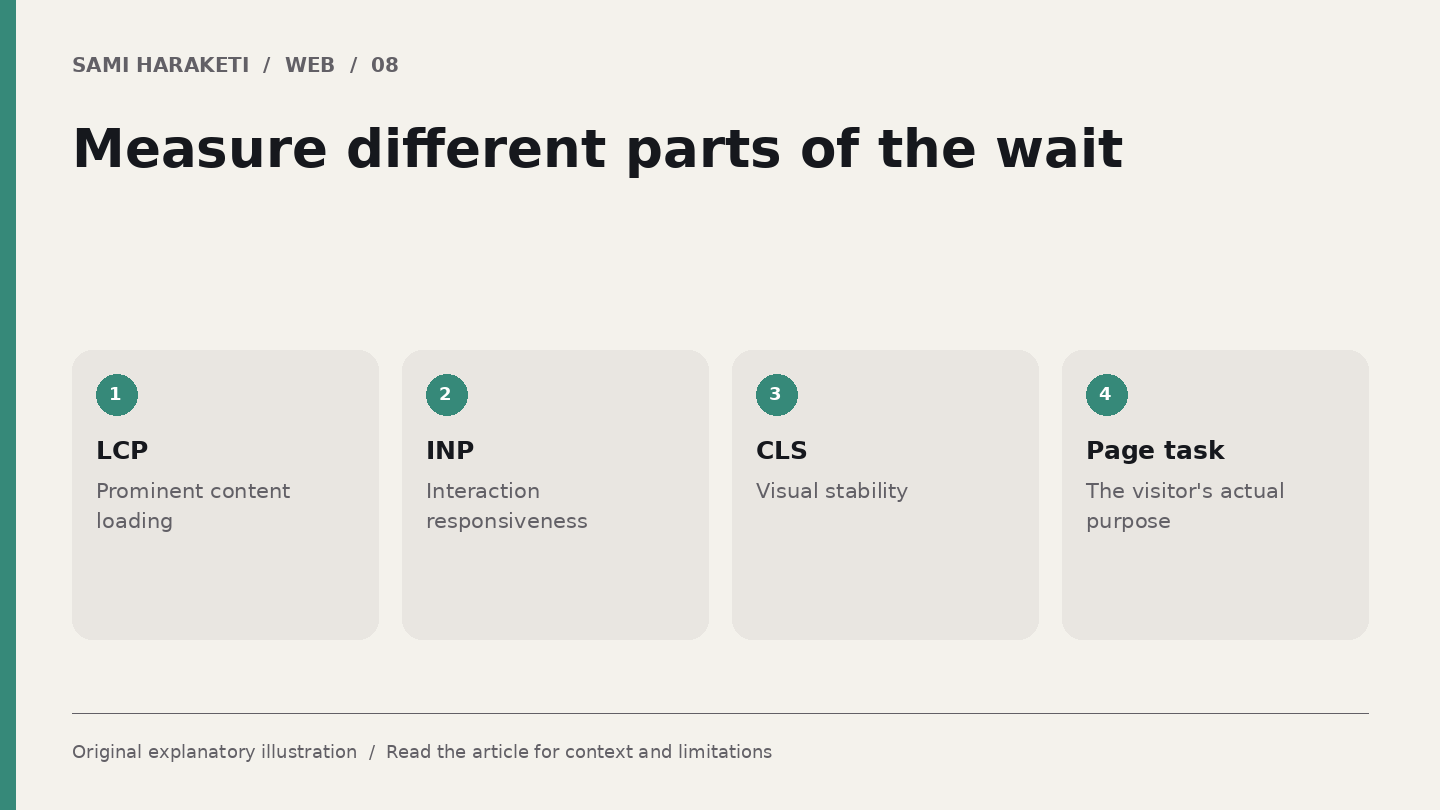
The Core Web Vitals described by web.dev include Largest Contentful Paint, Interaction to Next Paint and Cumulative Layout Shift. They concern loading of prominent content, responsiveness to interaction and visual stability.
The documented good thresholds are LCP at or below 2.5 seconds, INP at or below 200 milliseconds and CLS at or below 0.1, assessed at the 75th percentile of page visits. These are defined measures, not a complete account of usability.
Laboratory tests run under controlled conditions. Field data reflects actual visits under varied conditions. A useful investigation keeps that distinction visible.
A good result for the home page also does not establish that a video heavy project page or a long article behaves the same way.
Find the work behind the delay
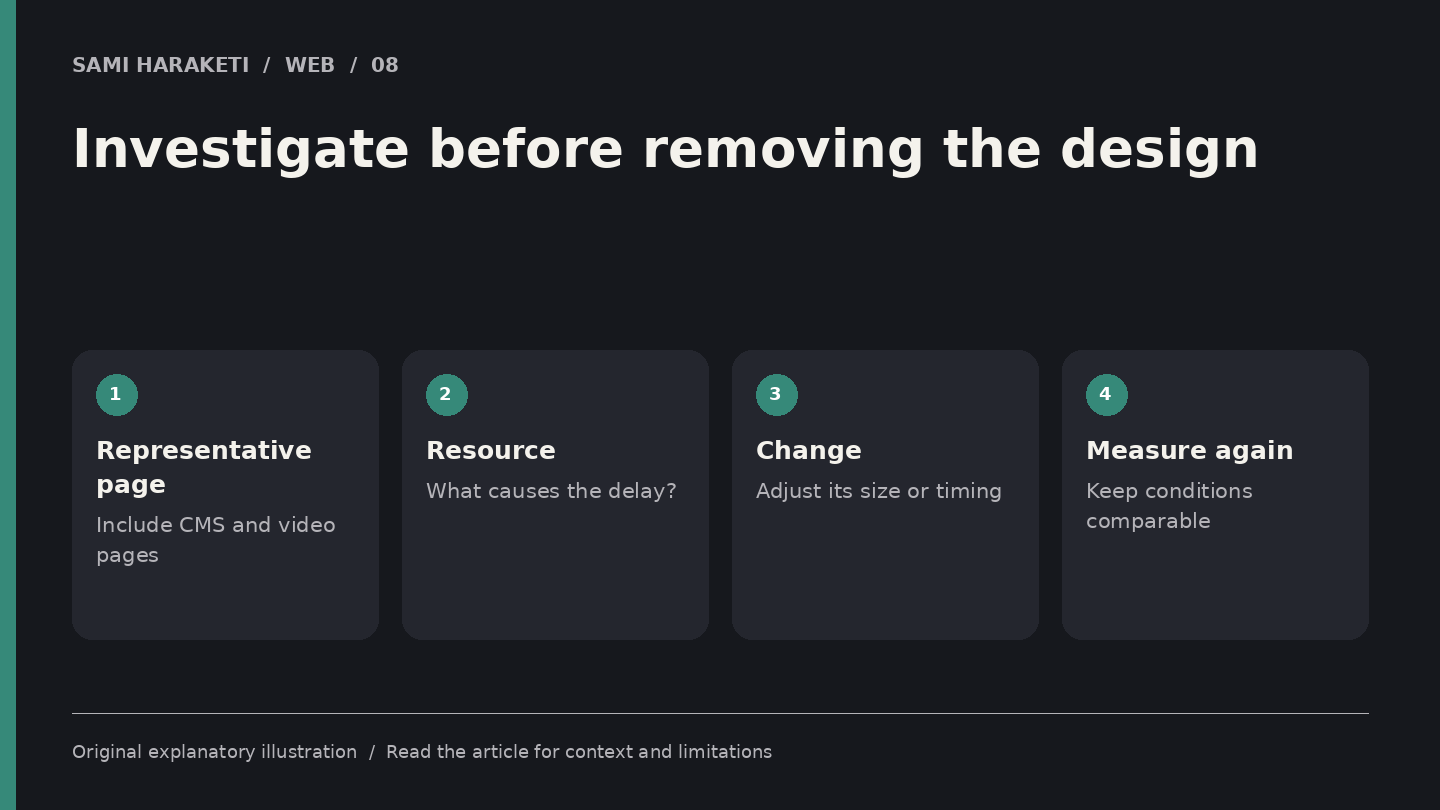
Start with representative pages: home, a service, a project, an article and a form. Inspect the resources they request and the behaviour during loading.
A large hero image, unnecessary script or third party embed may deserve attention. So may a font loading arrangement that changes the layout or a component that blocks interaction while it runs.
Do not remove the design indiscriminately. First identify the resource and its purpose. Can an image be served at an appropriate size Can a video wait until someone wants to play it Can an integration load only where it is needed
Reserve space for images and embeds where appropriate so content does not unexpectedly move as they arrive. Then test the change against the same conditions.
These are proposed priorities for investigation. I am not claiming a particular component is the cause of your site's delay without measurement.
Protect the task, then refine the experience
Ask what a visitor should be able to do first. On a service page, understanding the offering and reaching contact may matter before an ornamental animation finishes. On a film page, a clear title and playback route may matter before a large background asset loads.
Measure again after the relevant change. Keep the test conditions and note which page improved. A faster laboratory result is useful evidence for that test, while field data may take time and sufficient visits to reflect a change.
Avoid promises that a particular score guarantees search rankings or enquiries. Performance supports a usable site, but the content, service and visitor's purpose still matter.
I would make resource decisions part of the component notes. If a project card always receives an oversized original image, the problem will return each time someone adds a project.
A fast website can still be visually rich. It needs to be selective about what arrives, when it arrives and whether it helps the person continue.
Performance work is most effective when it makes the design easier to experience. The aim is a page that becomes useful promptly and stays responsive while the visitor uses it.
Sources and further reading
Research checked on October 5, 2026. Original explanatory illustrations by Sami Haraketi, prepared for this article.
Sources and further reading
Research checked on October 5, 2026. Original explanatory illustrations by Sami Haraketi, prepared for this article.
Have a project behind the idea?
I work on websites, branding and film. If you need help turning your next idea into something people can see and use, tell me what you have in mind.
What did you think?
A thought, a different perspective, a little appreciation. You’re welcome here.