Responsive Design Begins with the Content
A desktop layout can be beautiful and still contain decisions that have no useful equivalent on a phone. Shrinking it is not enough.
Responsive design asks how the content and interaction should respond to the conditions in which they are used. Screen width matters, but so do text size, input methods and the material itself.
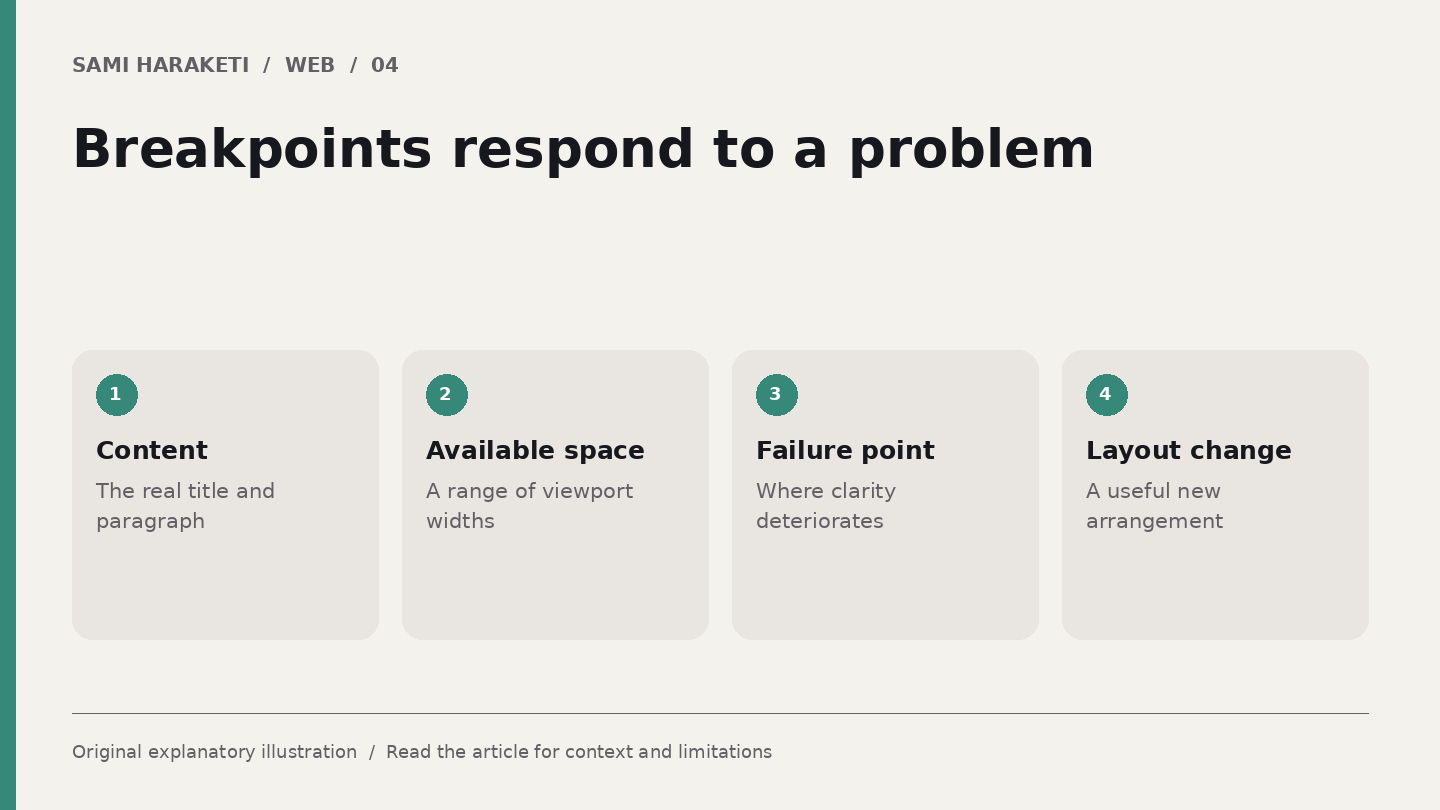
Find the point where the layout stops working
MDN describes responsive design through flexible layouts, images and media queries. Its media query guidance recommends examining where the content would benefit from a layout change.
That is a stronger starting point than treating a familiar device width as a universal answer. Devices change. Your page's actual problem is that two columns no longer have enough room, a menu wraps badly or a title becomes unreadable.
Build the simplest useful narrow layout first where that suits the project. Then add arrangements when the available space makes them useful. The purpose is to keep the content clear across a range, not merely at three screenshots chosen for presentation.
A portfolio example
Imagine a fictional design portfolio with a large introduction and three project cards across the page. Each card includes an image, title, discipline and short description.
At a narrow width, I would examine whether one column gives the projects enough room. At an intermediate width, two columns may work. The actual transition points depend on the content and component dimensions.
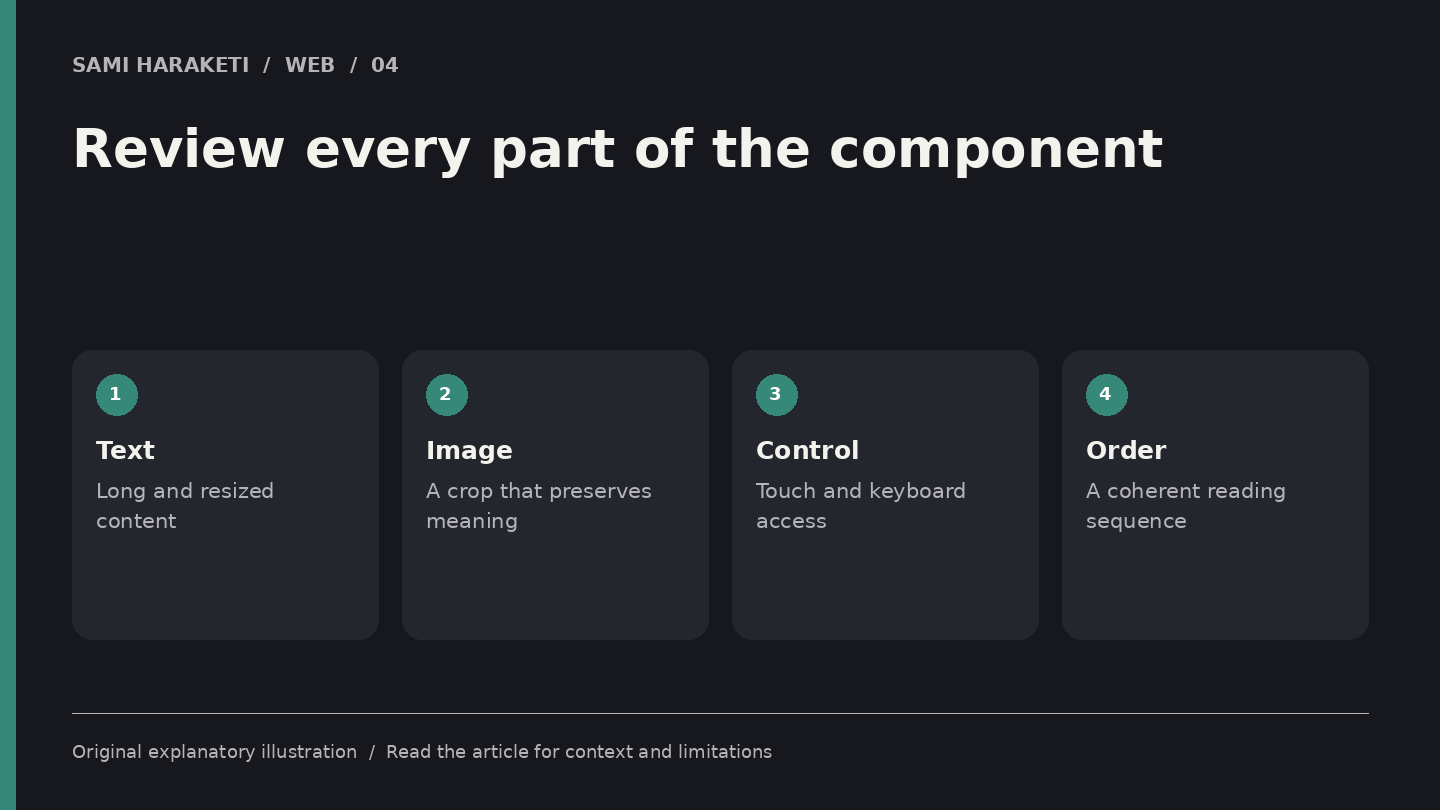
Now replace the shortest description with the longest approved one. Check whether the cards still feel related without forcing them into a height that clips text. Put the longest project title beside it too.
Images need their own decisions. A desktop crop might remove the subject on a phone. If an image carries information, choose a crop that preserves it or provide an alternative composition where necessary.
Navigation should remain understandable. Hiding the whole menu behind an icon does not answer how someone identifies the menu, opens it, closes it or moves through it with a keyboard.
Test the spaces between your examples
Drag the viewport through the range rather than checking only the endpoints. Many failures appear between familiar presets: a narrow gap where a heading overlaps a card, a menu that becomes two lines or an image whose proportions change unexpectedly.
Test text resizing as well. A layout that works with the default text size may fail when the reader enlarges it. Check forms, captions and repeated components, not just the home page.
Review input assumptions. A small control that works with a precise mouse pointer may be awkward with touch. A hover explanation may be unavailable to someone navigating another way.
I would keep a short list of layout behaviours for each component: when columns change, how images crop, which information remains visible and how controls behave. That list is more useful for maintenance than a collection of screenshots alone.
Responsive work is a series of editorial choices about priority. Which detail needs to arrive first What can sit beside it What needs more room
When the choices begin with the content, the website can feel intentionally designed on each screen instead of looking like the same composition squeezed into different boxes.
Sources and further reading
Research checked on October 5, 2026. Original explanatory illustrations by Sami Haraketi, prepared for this article.
Sources and further reading
Research checked on October 5, 2026. Original explanatory illustrations by Sami Haraketi, prepared for this article.
Have a project behind the idea?
I work on websites, branding and film. If you need help turning your next idea into something people can see and use, tell me what you have in mind.
What did you think?
A thought, a different perspective, a little appreciation. You’re welcome here.
.png)