Visual Hierarchy and Typography That Help People Read
Typography is where a website's personality becomes something a person has to read. A beautiful typeface can still be the wrong choice for a long paragraph, a crowded menu or a small caption.
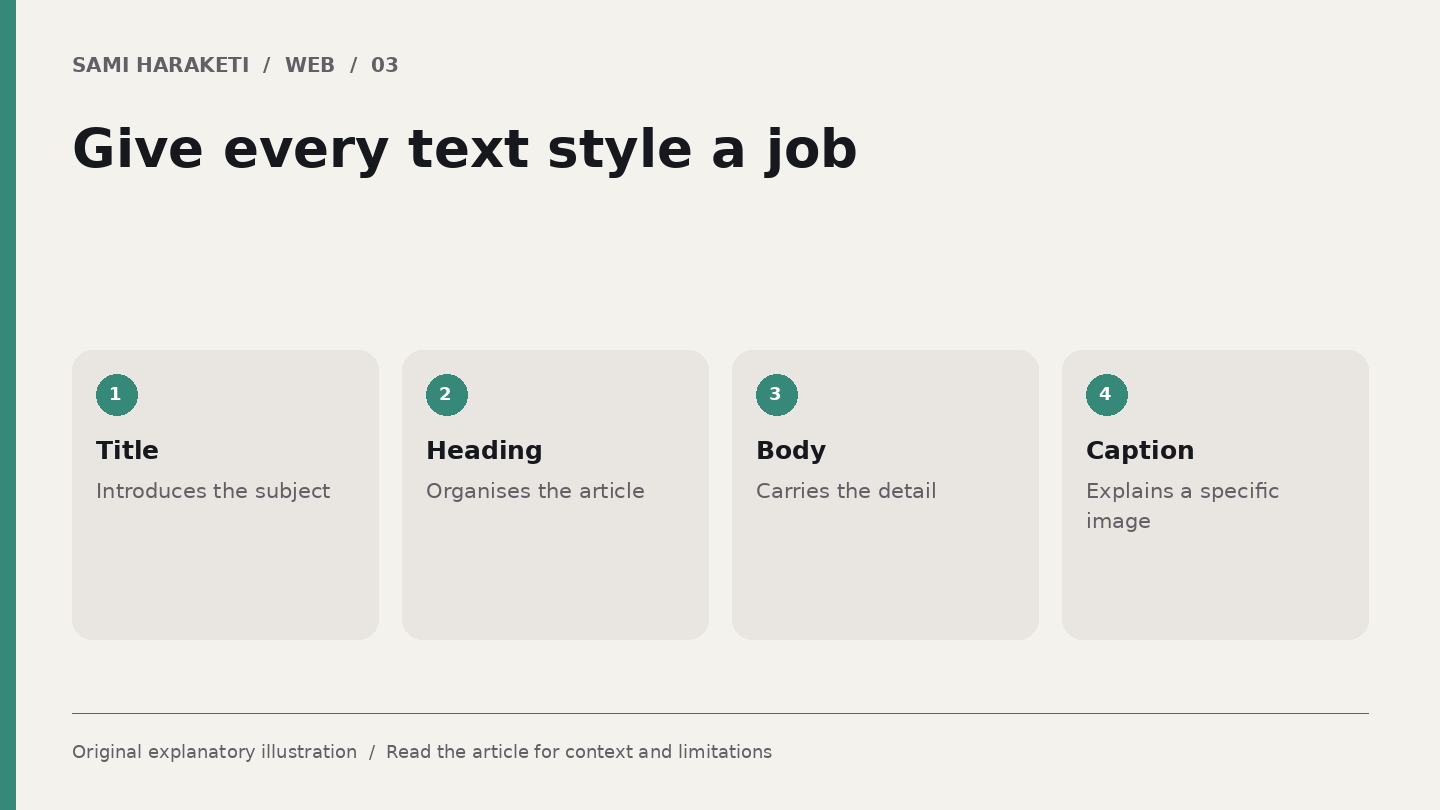
I start by separating the jobs the text needs to do. The page title introduces the subject. Section headings organise it. Body text carries the detail. Captions and labels explain particular things.
Build relationships rather than a pile of sizes
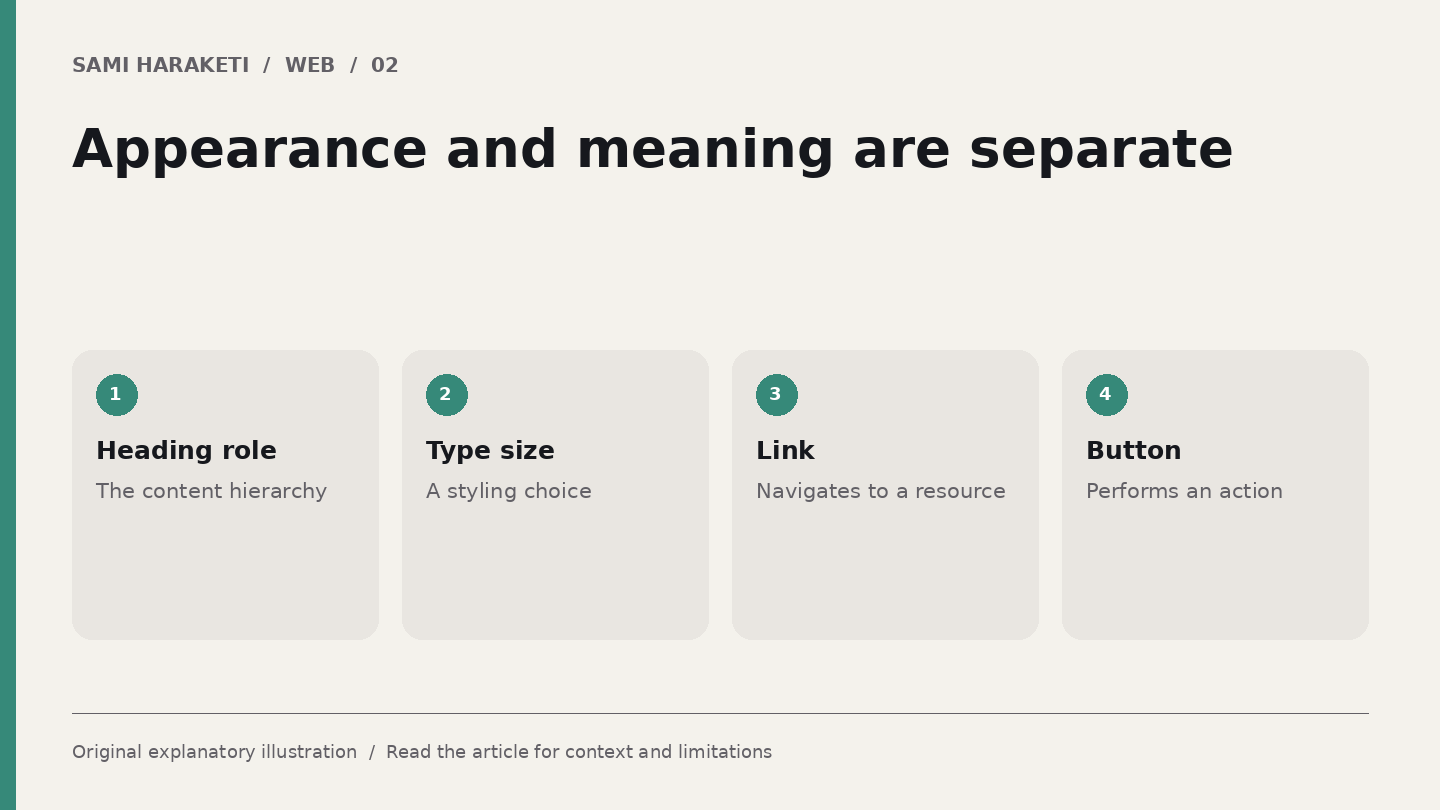
A useful hierarchy comes from relationships: scale, weight, spacing, position and contrast. Every level does not need a different typeface. Too many competing signals can make a page harder to read.
W3C's guidance on text spacing asks that content remain usable when people apply specified spacing changes. It does not require every designer to use those values as the default style. The distinction matters: a flexible design can accommodate a reader's needs.
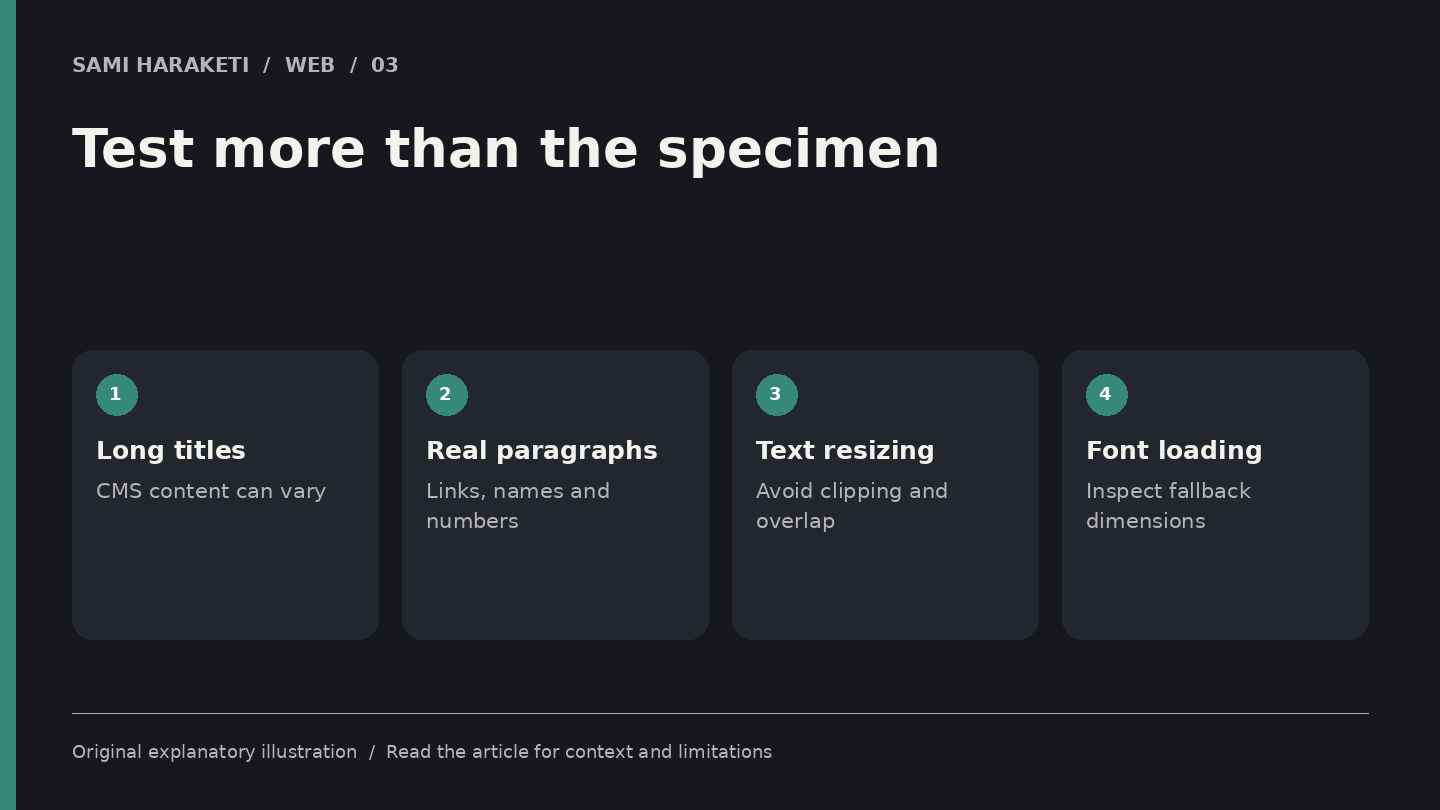
I would test actual paragraphs at the intended widths before approving a type system. A specimen containing three short words does not show how the font handles the article, the navigation or the longest title in the CMS.
Let the content expose weak decisions
Imagine a fictional magazine page with a quiet serif headline and a simple sans serif body. The sample title is six words long. The real article title is twenty words long.
Put the real title into the layout early. Does it wrap into a useful shape Does it overlap the date Is there still a clear route into the article A rigid height designed for the sample can turn a strong visual idea into a fragile component.
Check a paragraph with italics, links, numbers and names. Look at the line spacing and the space between paragraphs. Is a link recognisable without depending only on colour Do headings clearly belong to the paragraphs that follow them
For a narrow screen, review the measure and type size together. Increasing the size without considering width can produce a page of broken phrases. Reducing it too far can make reading tiring.
These are observations to make in the rendered design. I would not impose a universal character count or a magical type ratio on every subject and language.
Test the reader's version of the page
Increase text size and apply spacing overrides. W3C's accessibility material is useful for defining those checks. Watch for clipped letters, overlapping controls and content that disappears from a fixed container.
Also test the font loading state. The page may begin with a fallback font whose dimensions differ from the final one. A layout that depends on one exact line break deserves attention.
Use hierarchy to reduce needless explanation. A clear caption can identify an image without adding another large heading. A restrained date can remain visible without competing with the title.
Before finalising, read a complete article on a phone. Do not only scroll past it to inspect the composition. Notice where the rhythm feels interrupted and where a heading arrives too close to the previous paragraph.
Typography is successful when its personality survives the practical work of reading. It should make the subject feel considered and the page feel navigable, including when the reader changes the conditions you first designed for.
Sources and further reading
Research checked on October 5, 2026. Original explanatory illustrations by Sami Haraketi, prepared for this article.
Sources and further reading
Research checked on October 5, 2026. Original explanatory illustrations by Sami Haraketi, prepared for this article.
Have a project behind the idea?
I work on websites, branding and film. If you need help turning your next idea into something people can see and use, tell me what you have in mind.
What did you think?
A thought, a different perspective, a little appreciation. You’re welcome here.
.png)