Nicepage and Its AI Website Builder: A Complete, Verified Look
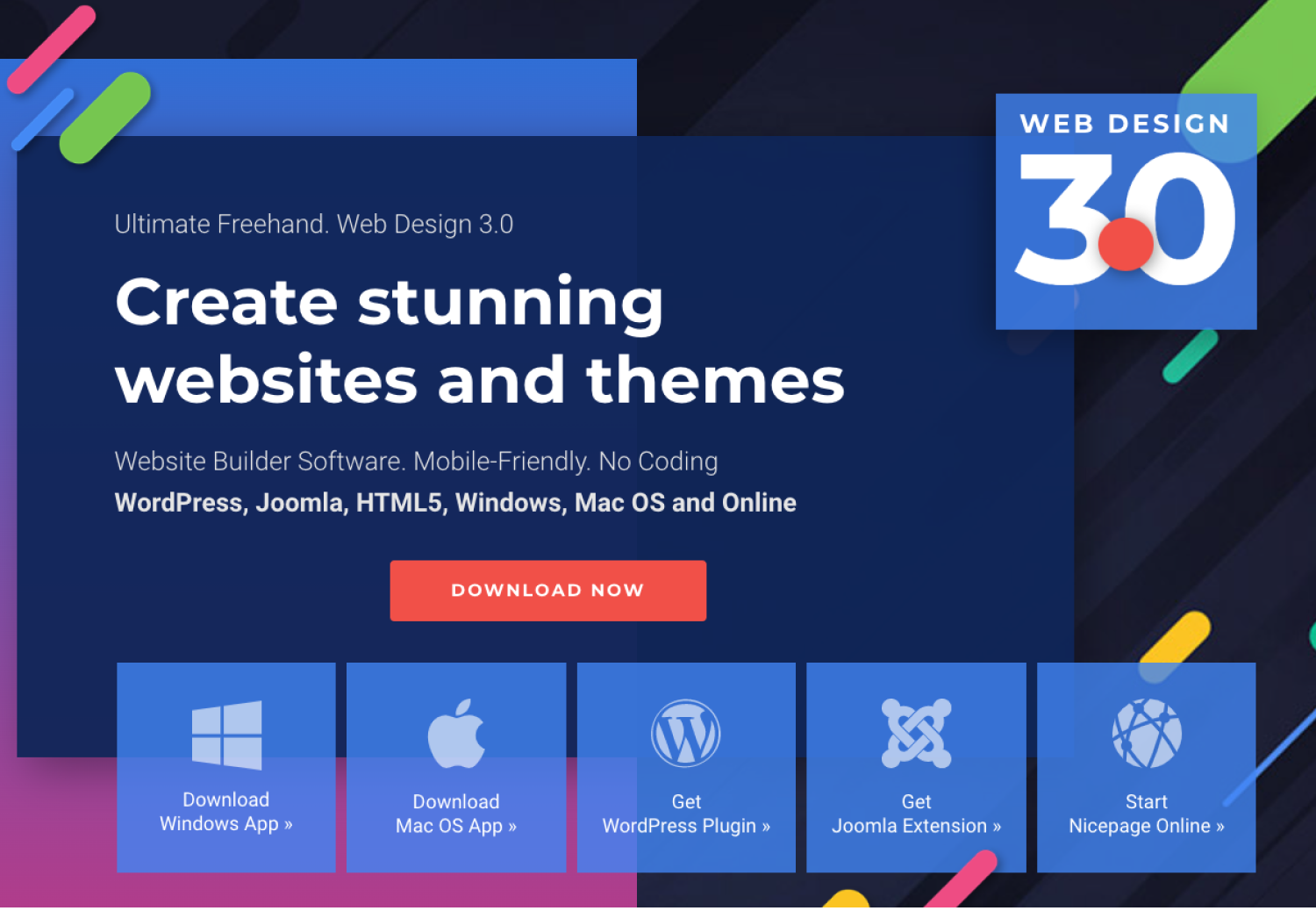
Nicepage is a drag-and-drop website builder developed by the team behind Artisteer, a template-design tool launched in 2007. Nicepage itself launched in 2018 and has since grown into a multi-platform design tool available as a desktop application for Windows and macOS, as well as plugins for WordPress and Joomla, and a browser-based Online Builder. It's positioned less as an all-in-one hosted platform like Wix and more as a design tool for freelancers and agencies who need to export clean, portable code.
In recent years, Nicepage has layered AI-assisted features on top of its traditional freehand editor, and that's the part worth examining closely.
What the AI Website Builder Actually Is
According to Nicepage's own documentation, the AI features aren't a single tool but a set of three connected "AI Builders": the AI Page Builder, the AI Block Builder, and the AI Text Builder. All of them are designed as a quick and easy way to start; you enter a site topic and a short description, and the system generates site pages, blocks, and text by automating design and content creation.
These tools are available across Nicepage's different products: the AI Services work inside the Applications, Plugins, and the Online Builder, so the same AI generation workflow is accessible whether you're working in the desktop app, a WordPress site, or the browser version.
How the AI Page Builder works
The Page Builder is the entry point for most users. The documented workflow is:
- Open Nicepage, create or open a site, and click into the page editor.
- Click the Add button, then go to the Page section, and select the AI Page Builder.
- Enter the site topic in the Prompt dialog, and optionally add a description. You can also add images to the prompt, though this is optional. Nicepage specifically advises against typing brand names or specifying block types directly in the prompt.
- Click OK to start generation, then click through the generated design ideas on the left and review each one in a larger preview on the right.
- You can filter results to show only light designs, only dark designs, or both, and you can swap the site's color palette from a built-in list, though changing the palette applies the new colors across every page of the site, not just the one you're editing.
Once you've picked a layout you like, it drops into the normal Nicepage editor for manual fine-tuning.
How the AI Block Builder works
Rather than generating whole pages, the Block Builder focuses on individual sections (headers, feature grids, testimonials, etc.). You run it from the Add Panel, enter your site's topic, and optionally describe your idea in more detail. You can also select or upload your own images. There's a filtering option to narrow block ideas to ones that better match your existing design and content, and Nicepage notes that choosing the "Any Image" + text-content option surfaces roughly 20% more ideas. After browsing the generated options, you pick a block and can still edit its text or swap images manually afterward.
How the AI Text Builder works
This is the most granular of the three tools. You can launch it either through the Add panel (Text → AI Text Builder) or directly from the context toolbar after adding a Heading, Text, or Testimonial element. It remembers the site topic and description from previous generations to save time, then generates several variants of the chosen text type, and clicking a variant simply replaces whatever content was already in that element.

How This Fits Into the Rest of Nicepage
It's important to be clear about what these AI tools are and aren't. They are generation aids inside a larger manual design tool, not an autonomous "type a prompt, get a finished live website" system like some newer AI-first builders (for example, 10Web, which markets a fuller automated build-and-host pipeline). Nicepage's AI builders produce starting points, page layouts, block designs, and copy that you then refine using Nicepage's signature "freehand positioning" editor, which lets you place elements anywhere on the canvas rather than locking into a rigid grid.
That manual editor is really Nicepage's core identity. The AI features sit on top of:
- 15,000+ templates across roughly 18 categories (business, real estate, restaurants, weddings, etc.)
- Multi-platform export — designs can be exported as plain HTML/CSS, a WordPress theme/plugin, or a Joomla template
- A free Starter plan, with paid tiers (Personal, Business, Pro, Ultimate) starting around $6.75/month when billed annually, giving access to thousands of page/block designs, modal popups, and device-specific responsive views
- Offline desktop use once you've signed in online at least once, though the template and media libraries require a connection


More
more
like this
like this
On this blog, I write about what I love: AI, web design, graphic design, SEO, tech, and cinema, with a personal twist.
.png)