How to Build a Website in Webflow: A Beginner’s Practical Guide
If you’ve never built a website before, the idea can feel overwhelming. The good news is that Webflow lets you design, build, and launch a professional site without writing code. This guide walks you step-by-step from creating an account to publishing your finished website : with clear explanations of the tools you’ll use along the way.

Step 1 : Create Your Webflow Account
- Go to Webflow.com
- Click Get started
- Sign up with email or Google
- Choose the Free plan to begin (you can upgrade later)
Once inside, you’ll land on your Dashboard : this is where all your projects live.
Step 2 : Start a New Project
Click New Site. You’ll see two options:
- Template → Pre-designed layouts you customize
- Blank site → Start from scratch (best for learning)
Choose Blank Site and give it a name.
You’ll now enter the Webflow Designer, the main workspace where everything happens.
Step 3 : Understand the Designer Interface
Before building, learn the layout:
Left Panel (Structure & Content Tools)
- Add Panel (A icon) → Add sections, text, images, buttons, forms, etc.
- Navigator → Shows the page structure (like folders/layers)
- Pages → Create and manage pages
- CMS → For blogs, collections, and dynamic content
- Assets → Store images and files
Center Canvas
Your live visual preview : drag, edit, and design here.
Right Panel (Styling & Settings)
- Style panel → Fonts, colors, spacing, layout, animations
- Settings panel → Links, IDs, accessibility, SEO tags
- Interactions panel → Animations and effects
Think of Webflow like Figma + WordPress + hosting, all in one.
Step 4 : Build Your First Page Structure
A good website layout usually follows this order:
- Navbar
- Hero section
- Content sections
- Footer
Add a Section
- Click Add → Section
- Drag it onto the canvas
- Inside it, add a Container (keeps content aligned)
- Add elements like:
- Heading
- Paragraph
- Button
- Image
You’ve just built your first layout block.

Step 5 : Style Elements Visually
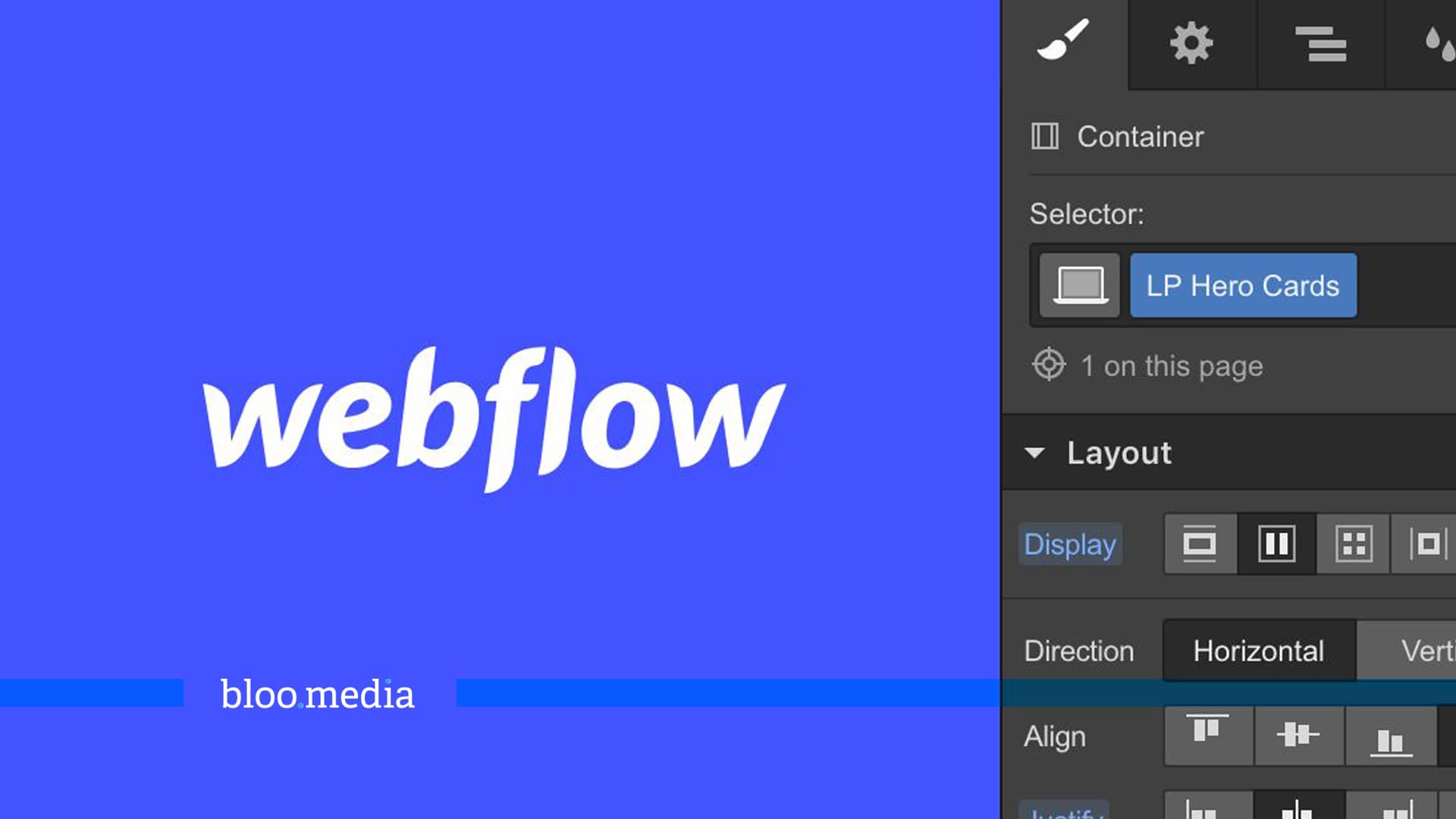
Click any element and use the Style panel.
Key beginner controls:
- Typography → Font, size, spacing
- Spacing → Margin (outside space) & Padding (inside space)
- Size → Width, height
- Backgrounds → Colors, gradients, images
- Borders & Shadows → Visual polish
Tip:
Set styles using Classes (top of Style panel).
Classes let you reuse styles across elements.
Example:
- Create class:
Primary Button - Style it once
- Reuse everywhere
This keeps your design consistent.
Step 6 : Build Navigation
- Add Navbar component
- Replace logo text/image
- Add links to pages (Home, About, Blog, Contact)
Webflow automatically makes the navbar responsive.
Step 7 : Create Multiple Pages
Open Pages panel → click + New Page
Create:
- Home
- About
- Blog
- Contact
You can design each page individually or duplicate layouts to save time.
Step 8 : Create a Blog with the CMS
This is where Webflow becomes powerful.
Create a Collection
- Go to CMS panel
- Click Create Collection
- Choose Blog Posts
Add fields like:
- Title
- Featured Image
- Summary
- Rich text content
- Author
- Publish date
Save it.
Add Blog Posts
Click New Item and fill in the content.
Display Blog on Page
- Open your Blog page
- Add Collection List
- Connect it to Blog Posts
Now your blog updates automatically when you add new posts.
Step 9 : Make the Site Responsive
Webflow designs are responsive by default, but you should adjust for:
- Tablet
- Mobile landscape
- Mobile portrait
Use the top icons to preview each size.
Typical mobile fixes:
- Reduce font sizes
- Stack columns vertically
- Add spacing
Step 10 : Add Interactions & Animations (Optional)
Open Interactions panel.
You can create:
- Fade-in scroll animations
- Hover effects on buttons
- Image transitions
- Page load animations
Start simple:
Add Fade in on scroll to sections for a modern feel.
Step 11 : Optimize SEO Basics
Click page settings and fill:
- Page title
- Meta description
- Open Graph image
- Clean URL slug
Also:
- Use proper heading hierarchy (H1 → H2 → H3)
- Add alt text to images
This helps your site appear in search results.
Step 12 : Connect a Domain
When ready to publish:
- Go to Project Settings → Hosting
- Add your domain (e.g. yoursite.com)
- Follow DNS instructions from your domain provider
- Wait for verification
You can also publish to a free .webflow.io domain first.
Step 13 : Publish Your Website
Click Publish (top right)
Select:
- Webflow domain
- Your custom domain (if connected)
Click Publish Selected Domains
Your website is now live.
What You’ve Learned
By finishing this guide, you now know how to:
- Create a Webflow project
- Design pages visually
- Build layouts with sections and containers
- Style elements with reusable classes
- Create a blog with the CMS
- Optimize for mobile
- Add animations
- Publish your site
That’s the complete beginner workflow used by many professional designers.
Final Beginner Tips
- Start simple : clean layout beats fancy design
- Use templates for inspiration
- Reuse classes to stay consistent
- Preview mobile often
- Publish early, improve later
Your first site doesn’t need to be perfect : it just needs to exist.
Run a real launch check
Open the published site on a phone. Submit the contact form and confirm the message reaches you. Test the menu, the main call to action and a CMS article. Check long headings, image loading and text enlargement. Preview is useful, but the published site is the final test.
For help choosing widths and typography, read my responsive sizing guide. You can also see my BGI website project and LILAS4SOILS project, or explore my Webflow design service.
If you are choosing a platform for a real business, bring the content and publishing workflow into the design brief. See my website design and implementation service for help with the project, and the BGI project for a real example of my work.
Have a project behind the idea?
I work on websites, branding and film. If you need help turning your next idea into something people can see and use, tell me what you have in mind.
What did you think?
A thought, a different perspective, a little appreciation. You’re welcome here.
.png)