Beginner’s Guide to Installing and Using Adobe Experience Manager (AEM)
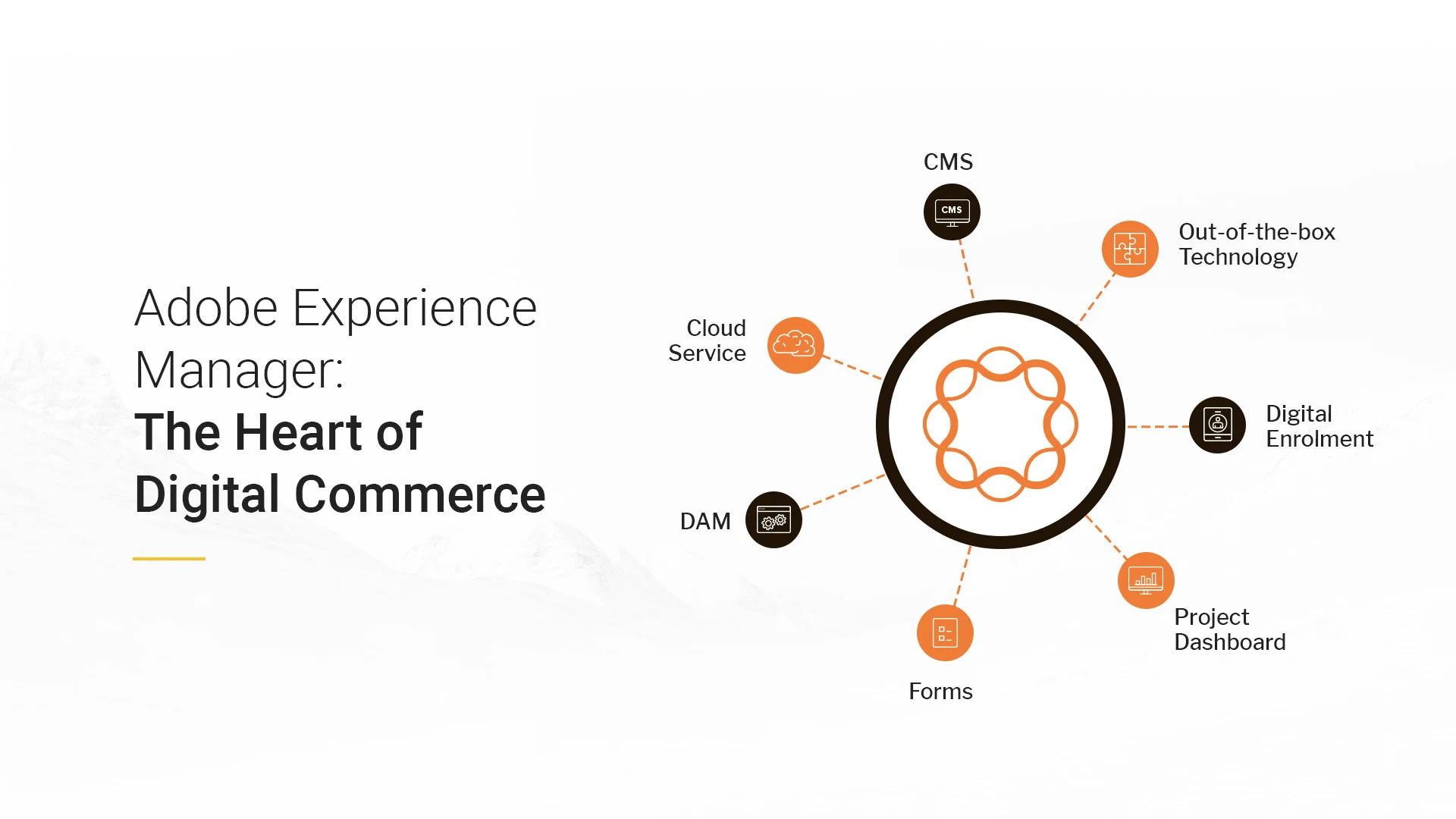
Adobe Experience Manager (AEM) is an enterprise content management system (CMS) used to create, manage, and publish websites and digital content. Because it is an enterprise product, AEM setup and usage can feel confusing to beginners.
This article is a clear, step-by-step beginner guide that explains:
- What you need before installing AEM
- How to install AEM locally
- How to start AEM
- How to use AEM for basic content creation
The instructions are simple, factual, and easy to follow.
What You Need Before Installing AEM
Before you install AEM, make sure you have the following:
1. Java Development Kit (JDK)
- AEM requires Java
- Most AEM versions require Java 11 or Java 17
- Java must be installed before AEM will start
To check Java:
- Open a terminal or command prompt
- Run:
java -version
If Java is not installed, install it first.
2. AEM Installation Files
You need two files from Adobe:
- AEM Quickstart JAR (for example:
aem-author-p4502.jar) - License file (
license.properties)
These files are provided by Adobe to licensed customers.
3. Minimum System Requirements
For local development:
- 8 GB RAM (16 GB recommended)
- At least 20 GB free disk space
- Windows, macOS, or Linux
Installing AEM Locally
Step 1: Create an AEM Folder
- Create a new folder on your computer
- Name it something clear, for example:
aem-author
Step 2: Copy Installation Files
- Copy the AEM Quickstart JAR into the folder
- Copy the license.properties file into the same folder
Both files must be in the same directory.
Step 3: Start the AEM Author Instance
Open a terminal or command prompt inside the folder and run:
java -jar aem-author-p4502.jar
What happens next:
- AEM extracts files
- A repository is created
- The server starts
First startup can take 10–20 minutes.
Step 4: Confirm AEM Is Running
Once started, open a browser and go to:
http://localhost:4502
If you see the AEM login screen, installation was successful.

Logging Into AEM
Default login credentials:
- Username: admin
- Password: admin
After logging in, you will see the AEM Start Screen.
Understanding Author and Publish
AEM usually runs as two instances:
Author
- Used to create and edit content
- Default port: 4502
Publish
- Serves content to end users
- Default port: 4503
Beginners usually start with Author only.
Starting and Stopping AEM
Start AEM
From the AEM folder:
java -jar aem-author-p4502.jar
Stop AEM
- Press Ctrl + C in the terminal
- Or stop it from the operating system
Always shut down AEM properly.
Navigating the AEM Interface
Main areas:
- Sites – manage website pages
- Assets – manage images and files
- Tools – system configuration
Most beginners will use Sites and Assets.
Creating Your First Page
Step 1: Open Sites
- Click Sites from the Start Screen
Step 2: Select a Project Folder
- Navigate to an existing site or folder
Step 3: Create Page
- Click Create → Page
- Choose a template
- Click Next
- Enter a page title
- Click Create
Editing a Page
When the page opens:
- You are in Edit mode
Add Content
- Click the + icon
- Select a component (Text, Image, Title)
- Place it on the page
Edit Content
- Click the component
- Click the Edit (wrench) icon
- Save changes
Managing Assets
Upload Assets
- Open Assets
- Choose a folder
- Click Create → Files
- Upload images or documents
Assets can be reused across pages.
Publishing Content
Publishing makes content visible to users.
Publish a Page
- Select the page
- Click Quick Publish
- Confirm
The page is sent from Author to Publish.
Common Beginner Problems
- AEM does not start → Check Java version
- Page not visible → Content not published
- Slow startup → Normal for first run
- Permission errors → Check user role
Best Practices for Beginners
- Always preview before publishing
- Do not delete shared components
- Keep page names simple
- Stop AEM when not in use
Conclusion
Installing and using Adobe Experience Manager becomes manageable when broken into clear steps. Start with a local Author instance, learn how pages and components work, and publish carefully. Over time, AEM becomes easier and more efficient to use.

Sources
- Adobe Experience Manager Official Documentation
- Adobe Experience Cloud Setup Guides
- Apache Sling Documentation
- OSGi Alliance Documentation


More
more
like this
like this
On this blog, I write about what I love: AI, web design, graphic design, SEO, tech, and cinema, with a personal twist.
.png)